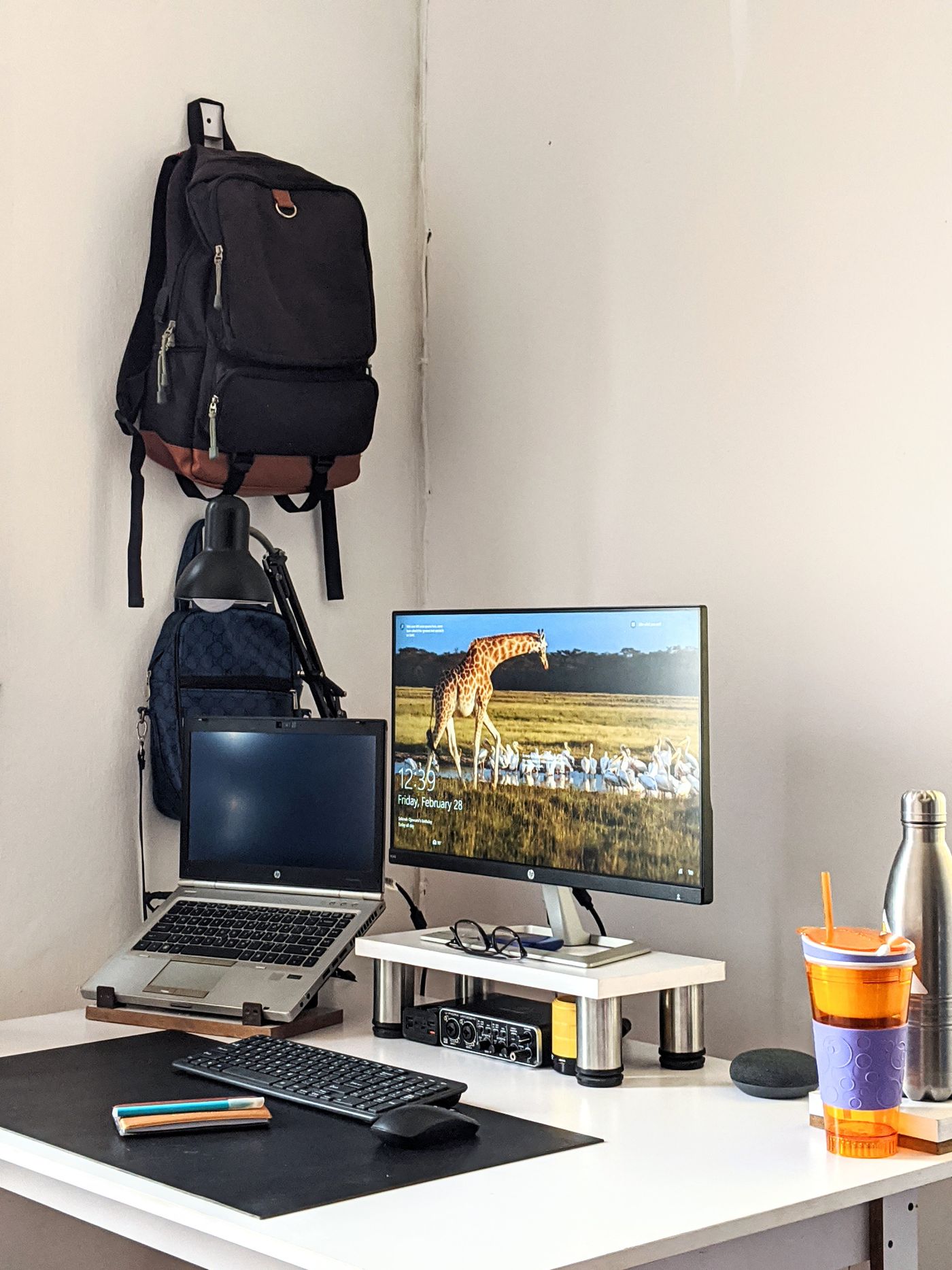
A larger monitor can provide more workspace but may sit too close on a shallow desk. Assess the desk, seating position and stand first. Screen diagonal alone does not explain how the monitor will fit the workstation.
Mark the full-size arrangement
Use paper or removable tape to represent the monitor's width and height in the intended position. Include its stand and the cables behind it. A deep base can push the keyboard forwards even when the panel itself appears to fit against the wall. Compare complete dimensions with actual desktop space.
Check height adjustment and port placement. You should be able to reach the intended position without improvised stacks underneath. If you plan to use an arm, the mounting pattern, weight, desk construction and bracket must all be compatible. The arm then belongs in the total purchase cost rather than being treated as a free solution.
Compare working material, not just numbers
Consider whether you mainly read text, use several windows together or perform other tasks. Resolution and scaling influence apparent content size and usable workspace. A large pixel count does not automatically provide comfortable presentation for your preferences. Where possible, inspect typical documents on a comparable display.
Check the computer's existing connection and supported display output. A monitor may offer a particular resolution and refresh rate that your computer cannot provide through every port. The cable and any adapter also need to support the complete combination. Confirm those details before assuming the panel's headline specification will be available.
Include light and other equipment
Consider windows, lamps and viewing direction in the actual room. A shop can present very different conditions. A webcam, speakers and laptop stand may also require space. Include them before allowing the new monitor to occupy the entire desk width.
Choose a size that keeps documents usable and other working equipment accessible. A slightly smaller monitor with an appropriate stand and useful adjustment may create a better arrangement than a larger one that displaces everything else. The screen should complement the existing desk rather than unexpectedly require new furniture. This keeps the purchase focused on the workstation you intend to use.