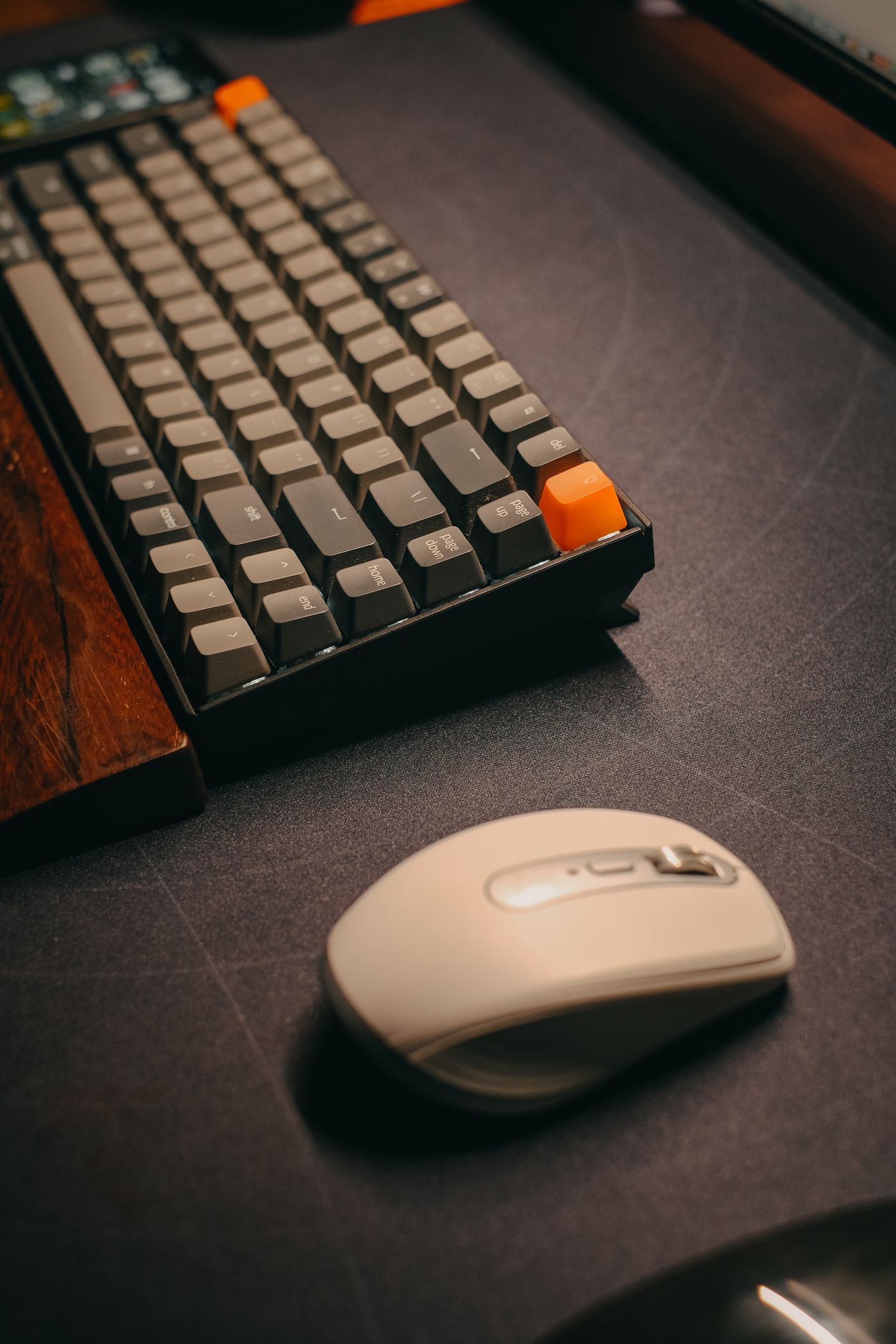
A keyboard must fit among the monitor, mouse and your normal movements. A very wide model can push the mouse farther out, while a small one may hide important keys. Start with the workspace and the inputs you actually use.
Match width with required keys
Measure the available area and mark the proposed keyboard width. Leave the space needed for the mouse. Decide whether you frequently use a separate number pad or whether it merely broadens the arrangement. A compact keyboard may fit better but can require additional key combinations.
List common special characters and commands in your work. Find their positions in the exact layout. Photographs showing another language version can mislead. Order the required layout explicitly rather than relying only on a familiar model name. An important key in the appropriate place matters more than lighting you rarely use.
Assess height and operation
Compare housing height and available angles. Flip-out supports are not necessarily helpful in every working position. Where possible, type a representative passage and use several frequent commands. Briefly tapping individual keys reveals less about your routine than a realistic section of work.
Consider sound in the room. A keyboard may feel pleasant to its user while distracting others during conversations. The impression in a shop transfers imperfectly to a quiet office. Inspect return terms when personal assessment will only be possible at home. Avoid assuming a broad description of quietness will suit every listener.
Check connection and upkeep
Establish connection, charging or battery requirements and supported operating-system functions. With several devices, switching and identification should remain understandable. A wireless keyboard removes a cable but still needs a dependable power arrangement. A wired version requires an appropriate free port.
Choose the keyboard that supports frequent inputs without unnecessary steps and fits sensibly on the existing desk. Do not select an unusual shape solely for a general comfort claim. Your own work example and complete workstation provide better evidence. The purchase should improve typing within that arrangement rather than introduce a new set of compromises for features you seldom need.