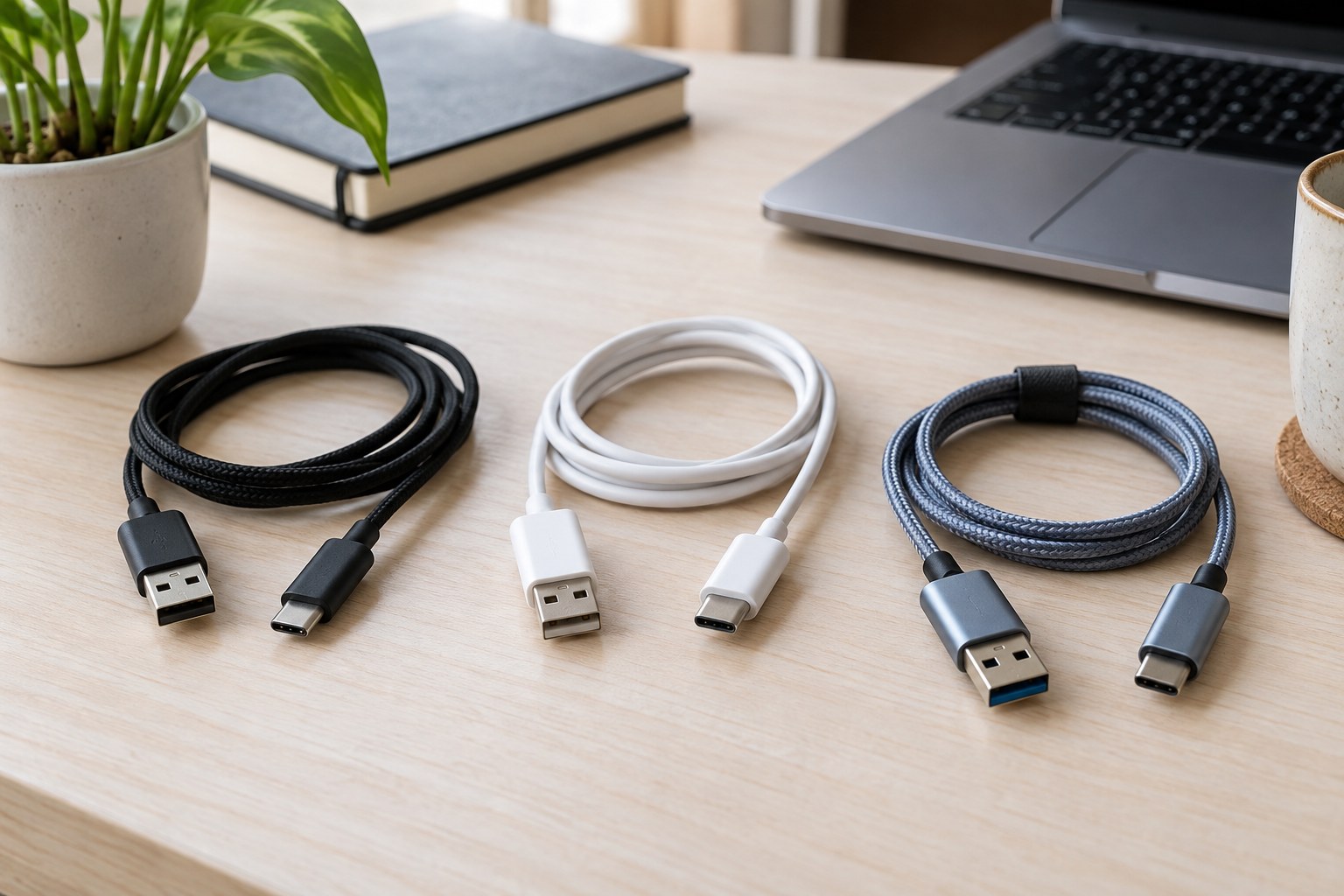
Two cables with USB-C connectors may be intended for different jobs. Before buying, establish whether you need charging, data transfer or a specifically supported display connection. Connector shape is a starting point rather than a complete description of capability.
Give the purchase a specific task
Describe the main use in one sentence: charging a phone at a desk, transferring large files to a drive or connecting a particular laptop and monitor. Record the devices and their ports. This helps avoid choosing the largest number on a package when that number describes a different property from the one you need.
Separate required power from data rate. A cable advertised for substantial charging power does not necessarily provide the same exceptional capability for rapid data transfer. Conversely, a data specification does not settle suitability for the intended power arrangement. USB-IF's cable information distinguishes relevant power and data markings. Read these as separate characteristics.
For a display connection, verify the explicitly supported combination of source, cable and monitor. Do not assume that every cable with matching plugs enables any desired display arrangement. The connected devices' documentation should explain the intended connection path.
Consider the complete data chain
Data transfer involves several components. The computer, any hub, cable and drive all need to support the intended use. A capable cable alone cannot upgrade a limited port. Check the whole chain before paying for a feature that your workstation cannot use.
Distinguish technical maximum ratings from the time needed for a particular set of files. Numerous small files, the storage device and concurrent work can affect the actual process. Do not justify a cable purchase with an invented guaranteed copying time. Documented capability is the comparison point, rather than an unmeasured prediction of daily performance.
Occasional small documents suggest different priorities from regular large projects. Choose capabilities your task actually requires. An expensive cable may be appropriate for one particular workstation without being necessary at every charging location in the home. This keeps a specialised requirement from inflating unrelated purchases.
Choose length and connector shape deliberately
Measure the route between ports with a relaxed cable path. An extremely short lead can strain a connection; an excessively long one may reach the floor or clutter the desk. Consider whether the laptop moves or both devices remain stationary. Appropriate length comes from that route, not the largest multipack offer.
Inspect the connector housings too. A wide surround may interfere with an adjacent occupied port or a narrow opening in a case. An angled connector can help, but needs to point the right way and suit the actual connection. Decide from the physical port area rather than the connector's appearance in isolation.
A woven jacket or substantial thickness does not independently establish technical capability. Such features can affect handling, but do not replace a clear specification. Colour can help distinguish cables, yet should not be interpreted as a dependable performance code.
Sort the cables already available
Group existing cables by documented task. If markings are absent and their origin is unknown, treat their capabilities as unknown. Do not invent ratings from appearance. For an important connection, an identifiable cable may be more useful than repeatedly trying several unlabelled examples.
Keep the product name and specifications together, and label the new cable by its intended job if helpful. This makes it clear later which cable belongs to a display and which serves a straightforward charging position. A little organisation can prevent unnecessary repeat purchases without creating a larger collection.
Finally, use a supplier with understandable model and capability information. Compare only products that support the same required job and consider cost per cable you actually need. A multipack is advantageous only when its contents have suitable places to be used. The objective is a known, appropriate connection, not the greatest number of indistinguishable leads in a drawer.
Recheck that assignment when devices change. A previously suitable cable need not be replaced if its documented capabilities support the new task. Conversely, past use for one purpose is not proof that it can perform a different function.