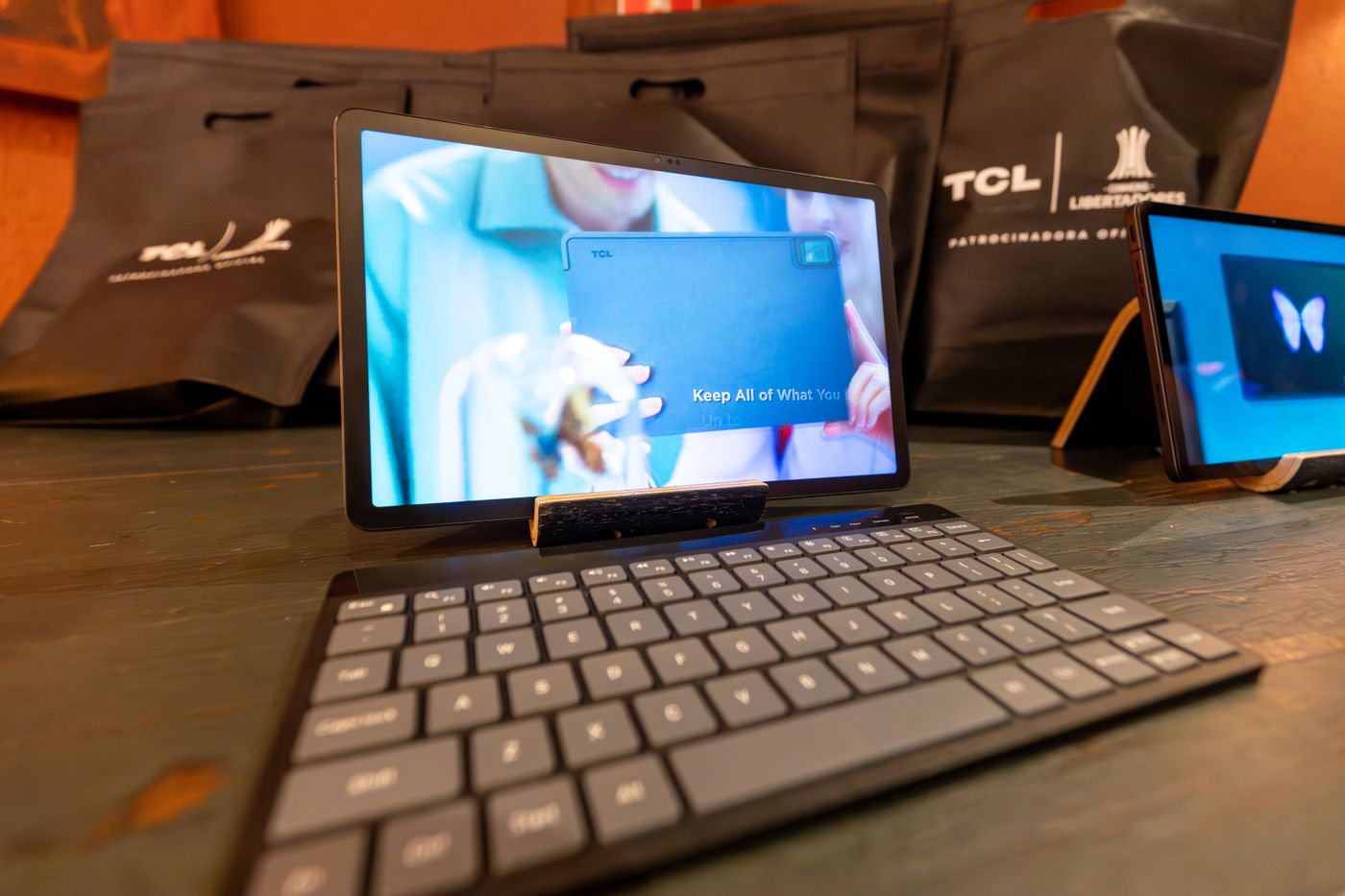
A tablet keyboard makes sense when you regularly write longer text and can use the combination stably in the intended setting. It may be unnecessary for brief searches alone. Assess the whole workflow involving apps, screen and support rather than typing in isolation.
Try an actual task
Choose a recurring job such as drafting a substantial letter or editing a spreadsheet. Check that the tablet app offers the functions essential for that task. A physical keyboard adds an input method but does not automatically turn a limited app into a complete desktop application.
Check language and layout. Accents, special characters and frequent shortcuts should be accessible. A very compact arrangement can require more adjustment than photographs suggest. Where possible, type a paragraph with your normal characters instead of briefly tapping a few letters.
Assess support and connection
Establish whether the tablet, case and keyboard fit the available table. Some constructions behave differently on a lap than on a firm surface. Evaluate the intended use rather than a demonstrated position that never occurs in your routine.
Verify connection, power and compatibility with the exact tablet generation. A similarly sized case may place openings or contacts differently. A separate wireless keyboard introduces charging or batteries and its own storage. An integrated accessory may instead add weight every time the tablet is carried, including occasions when no typing is planned.
Compare the alternatives
If you already own a suitable keyboard, investigate its explicitly supported use. Sometimes an appropriate stand is enough instead of a completely new set. Conversely, a folding combination may suit frequent travel when it keeps all components protected and accessible.
Compare total cost with the tasks that will genuinely move to the tablet. If every substantial writing session still requires a laptop, the keyboard may only be an occasional supplement. If it reliably simplifies a frequent process, the purchase has a concrete purpose. Let a tested work example determine the decision rather than the desire to make the tablet resemble a notebook. This keeps the accessory connected to work it will actually perform.